What a URL consists of
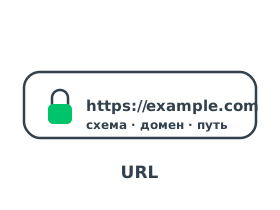
Take the example https://blog.example.com:443/articles?id=7#top. In it we can identify the scheme (https), the domain (blog.example.com), the port (443), the path (/articles), the query parameters (?id=7) and the anchor (#top). The browser turns the domain from the URL into an IP address by looking up the A record in DNS.
How the browser uses a URL
Once it has parsed the address, the browser goes through several steps:
- Domain resolution — from the name in the URL, DNS returns the server's IP address.
- Request by path — the browser sends a GET request to the path specified in the URL.
- Protection — the https scheme means the connection is encrypted with the TLS protocol.
This entire path from the address bar to a finished page is covered in the article How a browser works.